How Can You Print on Watercolor Paper Step by Step?
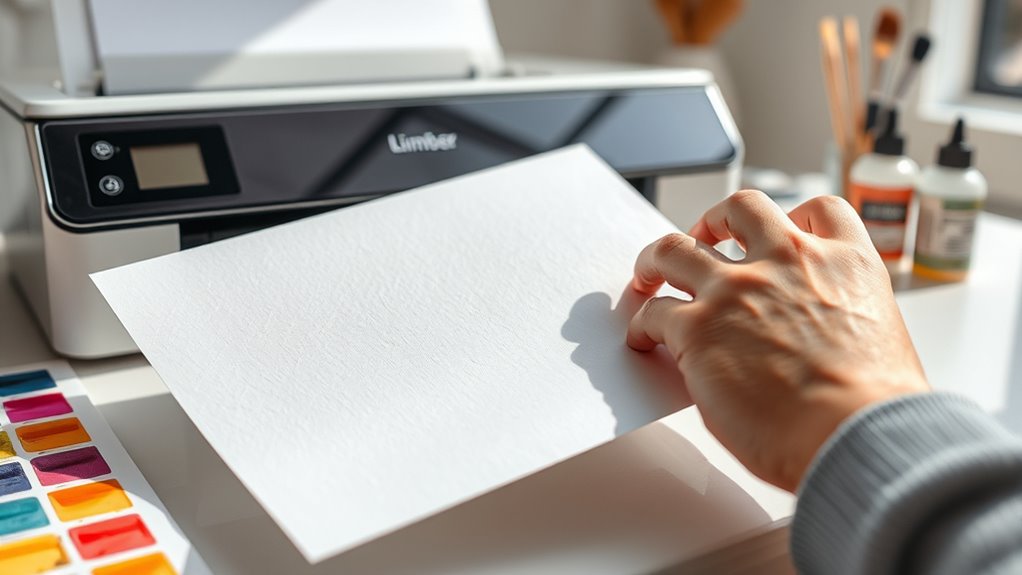
To print on watercolor paper, start by choosing a sturdy, compatible sheet like 140 lb cold press. Make sure the paper is clean and completely dry before you begin. These steps help ensure your print looks sharp and professional.
Next, adjust your printer settings to heavyweight or fine art paper mode. Use high resolution and pigment-based inks for the best color and durability.
Loading the paper carefully is important—place the textured side up and align it snugly to avoid any jams.
When you print, do it slowly to prevent smudging. Once done, let the print dry flat and completely before handling.
Follow these steps, and you’ll get vibrant, professional results every time. There’s always more to explore if you want to perfect your process even further!
Choosing the Right Watercolor Paper for Printing
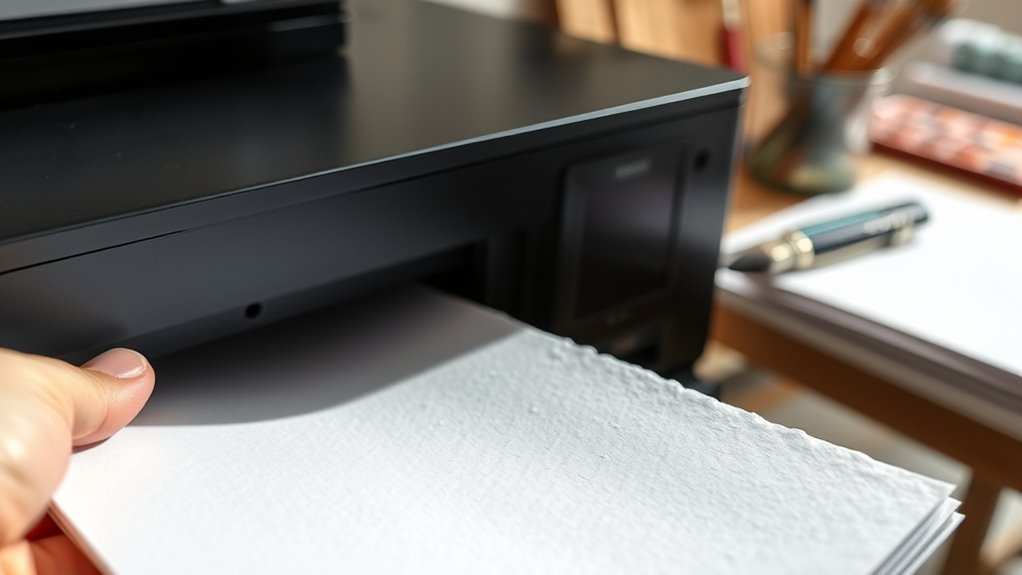
When you choose watercolor paper for printing, you need to take into account its weight, texture, and absorbency to guarantee your prints come out crisp and vibrant. Opt for paper that weighs at least 140 lb (300 gsm); lighter paper might buckle or warp under printer heat.
Texture matters—cold press offers a subtle texture that adds character without overwhelming detail, while hot press is smoother and better for intricate designs. Absorbency influences how the ink sets; too much absorbency can cause colors to bleed, so look for papers labeled as suitable for inkjet or mixed media.
Make sure the paper size fits your printer to avoid jams. By selecting the right watercolor paper, you set the foundation for high-quality, professional-looking prints every time.
Preparing Your Printer and Workspace
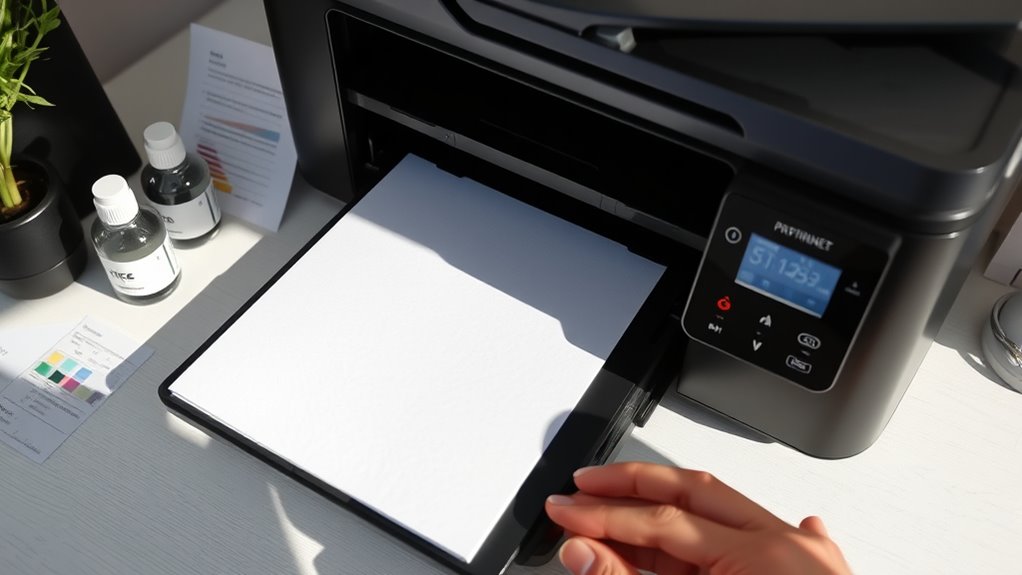
Before you start printing, make sure your printer can handle watercolor paper thickness and texture. It’s important to check this so you don’t run into any issues.
Organize your workspace to keep everything within reach and avoid any accidental smudges. Keeping things tidy really helps you stay focused.
Finally, prepare the paper carefully to prevent wrinkles or jams during printing. Taking a little extra time here can save you a lot of hassle later.
Printer Compatibility Check
How can you guarantee your printer handles watercolor paper without issues? First, check your printer’s manual or manufacturer website for paper type compatibility. Many inkjet printers support thicker, textured papers like watercolor, but not all do.
Verify the maximum paper weight and thickness your printer can manage. Next, test your printer’s feed mechanism—watercolor paper is heavier and may cause jams if your printer isn’t designed for it. Use a single sheet when testing.
Adjust your printer settings to “thick paper” or “cardstock” if available, ensuring proper ink absorption. Also, confirm your ink type is suitable; pigment-based inks usually work better on textured surfaces.
Running these checks upfront saves you frustration and helps achieve crisp, vibrant prints on your watercolor paper. It’s worth a little extra effort to make sure everything goes smoothly!
Workspace Organization Tips
After confirming your printer can handle watercolor paper, set up your workspace to support smooth printing and handling. Clear your desk to create ample room for loading and unloading paper without bending or creasing it.
Arrange tools like tweezers, a bone folder, or a clean cloth nearby for quick access. Make sure your printer is on a stable surface to prevent vibrations that could affect print quality.
Keep a trash bin handy for any test sheets or scraps. Good lighting is essential, so position your workspace near a window or use a bright desk lamp.
Finally, avoid clutter that might distract you or risk damaging your watercolor sheets. Being organized helps you focus and reduces mistakes when printing delicate watercolor paper.
Paper Handling Preparation
Although printing on watercolor paper requires extra care, properly preparing your printer and workspace guarantees crisp, vibrant results. Start by cleaning your printer’s rollers and removing any dust or debris to prevent jams or smudges.
Adjust your printer settings to accommodate thicker paper—select the heavyweight or cardstock option for better ink absorption. Next, load your watercolor paper carefully, ensuring it’s flat and aligned straight to avoid misfeeds.
Handle the paper by its edges to keep oils and dirt off the surface. In your workspace, keep the area dry and free from drafts to prevent warping or curling.
Adjusting Printer Settings for Watercolor Paper
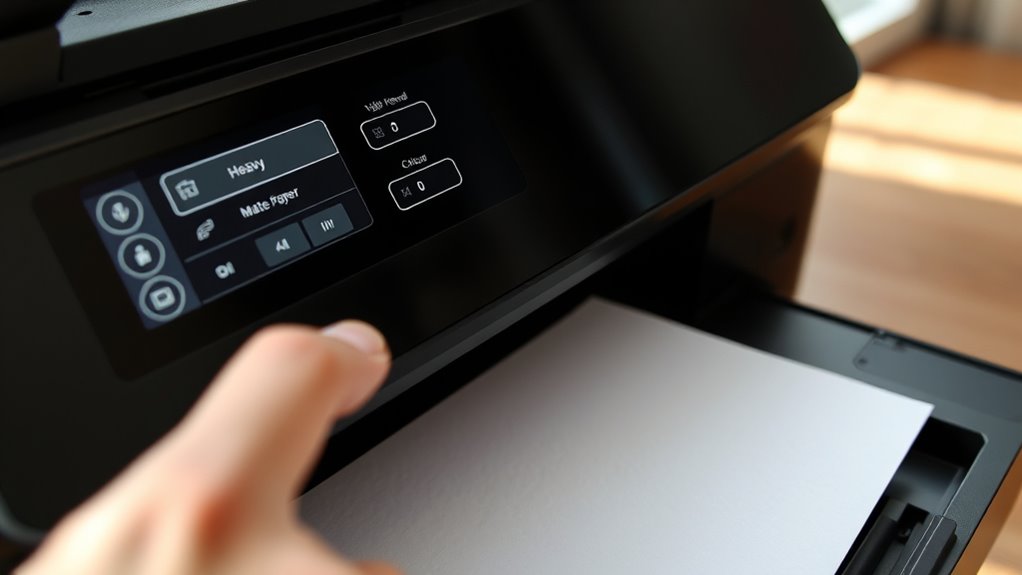
Since watercolor paper is thicker and more textured than standard paper, you’ll need to adjust your printer settings to guarantee ideal ink absorption and image quality. Start by selecting the correct paper type—choose “Matte,” “Heavyweight,” or “Fine Art Paper” if your printer offers those options.
Lower the print speed to allow the ink to settle properly on the textured surface. Increase the ink density slightly to enhance color vibrancy, but avoid oversaturation to prevent bleeding.
Disable any automatic paper thickness detection if possible, as it might misinterpret watercolor paper’s texture. Finally, run a test print on a small sheet to check how these adjustments affect the output.
Tweaking these settings ensures your print will be sharp, vibrant, and well-absorbed on your watercolor paper. It’s a bit of trial and error, but definitely worth it for the best results!
Loading and Handling Watercolor Paper Properly
You’ll want to choose the right paper orientation to match your design and printer capabilities.
Make sure to load the watercolor paper securely to prevent shifting during printing. Handling the paper carefully helps avoid wrinkles and guarantees a clean, professional print.
Choosing Paper Orientation
When you prepare to print on watercolor paper, choosing the right orientation is crucial for achieving the best results. You need to decide whether to load the paper in portrait or landscape mode based on your artwork’s layout.
Check your printer’s specifications to confirm how it feeds thick paper and which side it prints on. Watercolor paper often has a textured surface, so be sure to orient it so the print aligns with the texture, enhancing the final image.
Also, consider the paper’s grain direction; printing along the grain reduces the risk of curling or warping. By carefully selecting the orientation, you’ll ensure crisp, vibrant prints and maintain the paper’s integrity throughout the process.
Securing Paper in Printer
Although handling watercolor paper requires extra care, securing it properly in your printer is essential for clean, accurate prints. First, make sure your printer supports thick, textured paper.
Then, follow these steps to load the paper correctly:
- Remove any standard paper from the tray to avoid jams.
- Gently bend the watercolor paper to loosen it but avoid creasing.
- Place the paper with the textured side facing the print head, usually face up.
- Adjust the paper guides snugly against the edges to keep it steady during printing.
Printing Your Artwork With Care
Before printing, make sure your printer settings match the type and weight of your watercolor paper. This helps prevent smudging or misalignment.
Choose the highest quality print mode for sharp, vibrant results. Load the paper carefully, verifying it’s flat and properly aligned to avoid jams or uneven prints.
Try not to touch the print surface right after printing to avoid smudges. Let the ink dry completely before handling.
If your printer supports it, use pigment-based inks. They offer better color permanence and water resistance on watercolor paper.
Keep an eye on the printing process. Pause if you notice any issues like feeding problems or ink pooling.
Following these steps makes sure your artwork prints cleanly. It preserves the texture and detail of the watercolor paper without damage or distortion.
Post-Printing Tips to Preserve Your Prints
To keep your watercolor prints looking their best, you’ll want to handle and store them properly right after printing. Here’s how you can preserve your prints effectively:
- Let them dry completely – Place your prints on a flat, clean surface and avoid stacking them. This helps prevent smudging or sticking.
- Use acid-free materials – Store prints in acid-free sleeves or folders. This protects them against yellowing and deterioration.
- Avoid direct sunlight – Keep prints away from sunlight. That way, you’ll prevent fading and color shifts over time.
- Frame with UV-protective glass – If you plan to display your prints, use UV-protective glass. This shields them from harmful light and dust.
Following these steps will ensure your watercolor prints stay vibrant and beautiful for years to come. Taking just a little extra care really makes a difference!
Conclusion
Printing on watercolor paper can really elevate your artwork’s texture and vibrancy. Did you know that 65% of artists prefer textured paper for prints because it enhances color depth?
By choosing the right paper, adjusting your printer settings, and handling your sheets carefully, you’ll achieve stunning results every time. Follow these steps, and your prints will look professional and unique.
Give it a try—you’ll love how your art comes to life on watercolor paper! Printing on watercolor paper not only brings out richer colors but also adds a tactile quality that standard paper can’t match. With a little patience and the right technique, your prints will stand out beautifully, making your artwork truly shine.