How You Can Use Lined Paper in Your Printer Without Jams
To use lined paper in your printer without jams, start by choosing smooth, medium-weight paper (90-100 gsm) with standard line spacing. This kind of paper works best because it feeds through the printer smoothly and reduces the chance of paper jams.
Before loading, fan and align the sheets evenly. Make sure the printable side faces the correct direction, and the guides fit snugly without bending the paper. This simple step helps keep everything straight and prevents misfeeds.
Next, adjust your printer settings for plain or heavy paper. You might want to reduce print speed and disable duplex printing if your printer tends to jam with lined paper.
Don’t forget to keep your printer rollers clean to avoid smudging or paper feeding issues.
For more insights on optimizing your lined paper prints, keep exploring these tips—you’ll be surprised how easy it is to get perfect prints every time!
Choosing the Right Type of Lined Paper for Printing
When you choose lined paper for printing, consider the line spacing and paper weight to guarantee your printer handles it smoothly and your text remains clear.
Opt for paper with standard spacing—typically 7mm or 8mm—so your printed content aligns perfectly with the lines.
Thicker paper, around 90-100 gsm, prevents ink bleed and reduces the chance of jams.
Avoid overly thin or textured paper, as these can cause misfeeds or smudging.
Also, check if the lined paper is compatible with your printer type—laser or inkjet—to ensure exceptional ink absorption and drying time.
Preparing Your Printer for Lined Paper
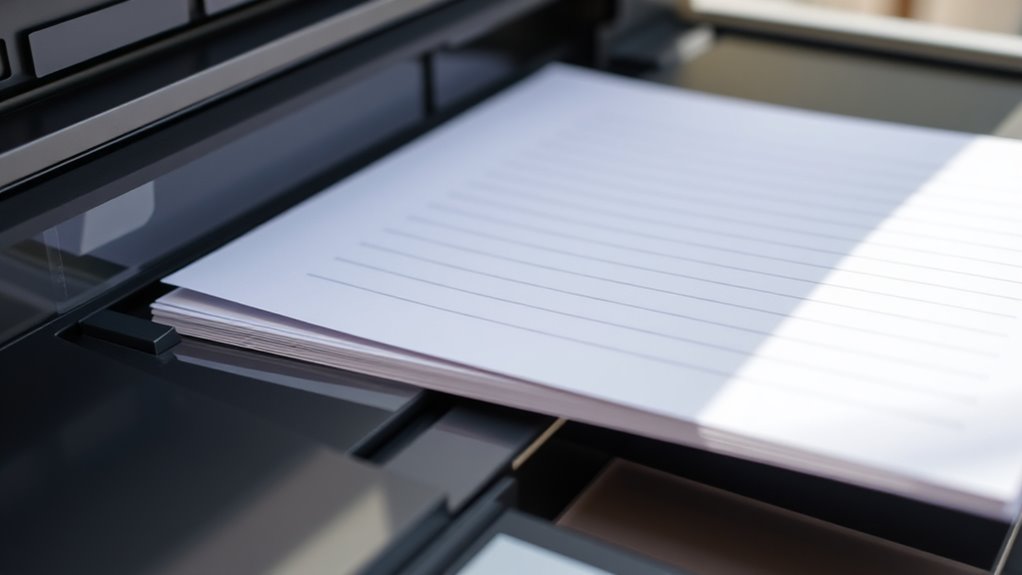
Selecting the right lined paper sets the foundation, but preparing your printer properly guarantees smooth operation and high-quality results. First, make sure your printer’s paper tray is clean and free of dust or debris that could cause jams.
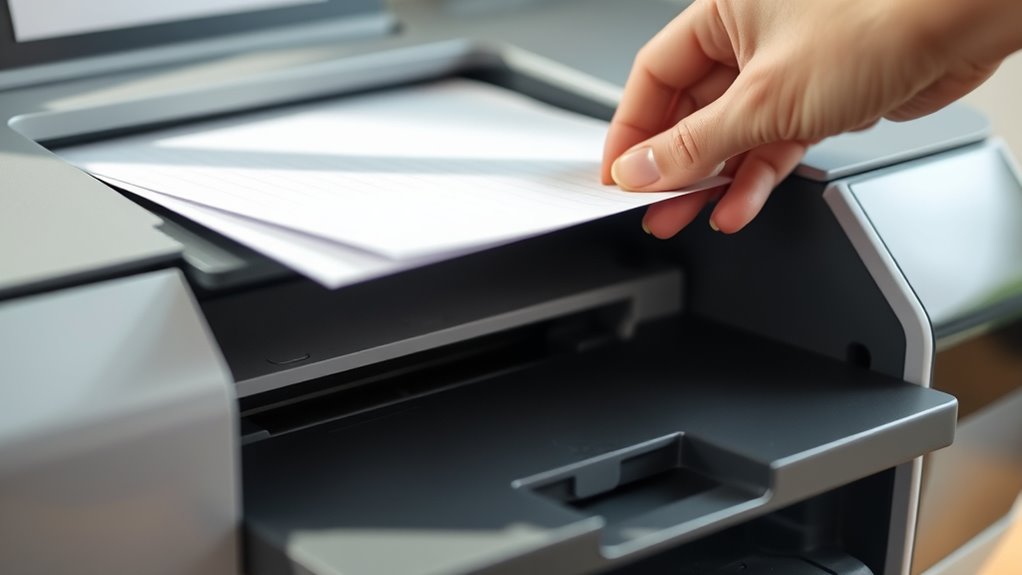
Next, fan your lined paper stack to prevent sheets from sticking together, then align them evenly before loading. Place the paper with the printable side facing the correct direction, typically face-down for most printers. But, check your printer’s instructions to be sure.
Avoid overfilling the tray; load only the recommended number of sheets to reduce the risk of feeding multiple pages. Finally, gently adjust the paper guides to snugly fit the paper without bending it. This ensures smooth feeding during the print job.
Adjusting Printer Settings to Prevent Jams
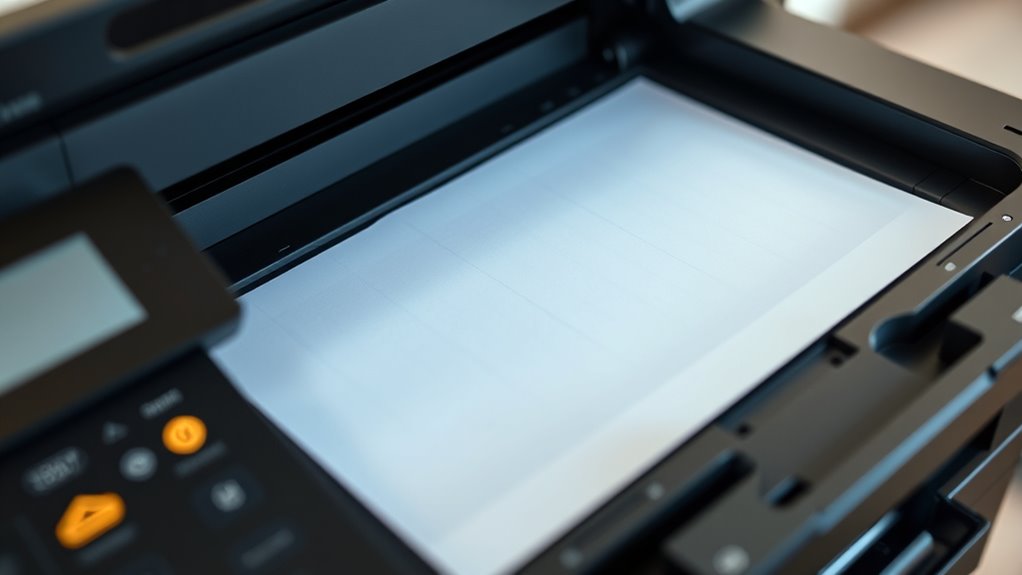
To prevent jams when printing on lined paper, you’ll need to adjust your printer settings accordingly. Start by selecting the correct paper type in your printer’s menu—choose “Plain Paper” or “Heavy Paper” based on your lined paper’s thickness.
Next, reduce the print speed if your printer allows it; slower printing minimizes the chance of paper getting stuck. You should also increase the paper feed margin slightly to give the paper more room to move smoothly through the rollers.
Finally, disable any duplex printing features since double-sided printing can increase the risk of jams with lined paper.
Here’s a quick checklist to adjust your settings:
- Choose the right paper type
- Slow down print speed
- Increase feed margin
- Turn off duplex printing
These tweaks help keep your printer running smoothly.
Properly Loading Lined Paper Into the Printer Tray
Make sure you align the edges of your lined paper neatly before loading it into the printer tray. Adjust the tray settings to fit the paper size and thickness properly.
Using lightweight, smooth paper will help prevent jams and guarantee clean prints. It’s a simple step, but it makes a big difference!
Align Paper Edges Neatly
When you load lined paper into your printer tray, guarantee the edges are perfectly aligned to prevent jams and misprints. Misaligned paper can cause the printer rollers to catch unevenly, disrupting the print quality and risking a paper jam.
To keep everything smooth, fan the stack lightly to separate sheets before loading. Then, tap the edges on a flat surface to line them up.
Place the paper firmly against the tray guides. Avoid overfilling the tray to maintain alignment.
Taking these steps ensures the paper feeds through evenly, keeping your printer happy and your prints clean. Aligning the edges neatly might take a moment, but trust me, it saves you from frustrating interruptions and wasted paper later.
Adjust Printer Tray Settings
Once your lined paper is aligned neatly in the tray, you’ll need to modify the printer settings to match the paper type and size. This prevents jams and guarantees smooth printing.
Start by opening your printer’s control panel or software settings. Select the correct paper size, often “Letter” or “A4,” and choose “Plain Paper” or a similar option to match your lined paper’s texture.
Next, adjust the tray guides to hold the paper securely without bending it.
| Setting | Recommended Option |
|---|---|
| Paper Size | Letter or A4 |
| Paper Type | Plain Paper |
| Tray Guides | Adjust snugly to paper |
These steps help your printer feed lined paper smoothly, reducing the chance of jams and misfeeds. Easy, right? Just a few tweaks and you’re set!
Use Lightweight, Smooth Paper
Selecting the right paper is essential for clean, jam-free prints. When you use lined paper, choosing lightweight, smooth varieties can make a big difference.
Thick or rough papers tend to catch and cause jams. To avoid this, look for these features:
- Paper weight between 70-90 gsm, which feeds easily
- Smooth texture to reduce friction inside the printer
- Minimal coating that won’t gum up printer rollers
- Standard letter or A4 size to fit your tray perfectly
Tips for Maintaining Smooth Paper Feeding
To keep your printer feeding lined paper smoothly, make sure you choose paper types that are compatible with your printer. Adjust the paper guides so the sheets sit snugly without bending or shifting.
Also, always keep your paper dry and flat to prevent jams and misfeeds. That way, your printing will go on without a hitch!
Choose Compatible Paper Types
Although it might seem straightforward, choosing the right paper type is essential for preventing jams and ensuring smooth feeding in your printer. Using lined paper that’s compatible with your printer’s specifications can save you frustration and time.
Here are some key points to take into account:
- Pick paper with a weight that matches your printer’s recommended range, usually 20-24 lbs.
- Avoid thick or heavily textured lined paper that can cause feeding issues.
- Use paper designed for inkjet or laser printers, depending on your device.
- Check for smooth finishes rather than rough or embossed lines to prevent snags.
It’s really worth paying attention to these details. Trust me, it makes your printing experience much smoother!
Adjust Printer Paper Guides
When you adjust the printer paper guides correctly, you’ll prevent misfeeds and jams that disrupt your printing. Start by sliding the guides snugly against the edges of your lined paper stack without bending or squeezing the sheets.
Too tight, and the paper can buckle; too loose, and it may feed crookedly. Check that the guides align evenly on both sides to maintain consistent paper positioning.
If your printer has adjustable rear guides, set those as well to stabilize the paper further. Always adjust guides after loading the paper, not before, to ensure a proper fit.
Taking these simple steps keeps your lined paper feeding smoothly and reduces the likelihood of jams. This way, you can achieve clean, professional prints every time.
Keep Paper Dry and Flat
After adjusting your printer’s paper guides, the next step is ensuring your lined paper stays dry and flat. Moisture or curled edges can cause jams or misfeeds, disrupting your printing process.
Keep your paper in ideal condition by following these tips:
- Store paper in a cool, dry place away from humidity.
- Use a flat, sturdy surface to stack paper before loading it.
Also, avoid touching edges with wet or oily hands to prevent warping. If your paper curls, press it under heavy books for a few hours before printing. That way, you’ll keep everything running smoothly!
Troubleshooting Common Issues When Printing on Lined Paper
You might encounter issues like misaligned prints or smudging when using lined paper in your printer, but these problems usually have simple fixes. First, check your printer settings to confirm the paper size and type match the lined paper you’re using.
Adjust the alignment settings if your print doesn’t line up with the lines on the paper. If you notice smudging, clean the printer rollers and use quality ink or toner compatible with your printer.
Avoid overloading the paper tray to prevent jams. If paper feeds unevenly, try fanning the stack before loading it.
Finally, always let ink dry completely before stacking printed sheets to avoid smears. Following these steps should help you print on lined paper smoothly and accurately.
Conclusion
Using lined paper in your printer doesn’t have to be a tricky dance. By choosing the right paper and prepping your printer, you’ll be set up for success. Adjusting settings carefully helps keep jams at bay like a well-oiled machine.
Loading the paper properly and maintaining smooth feeding will guarantee every sheet glides through effortlessly. If you hit a snag, troubleshooting steps will get you back on track quickly.
With these tips, your printing will flow as smoothly as a river. Remember, using lined paper in your printer takes a bit of care, but by selecting the right type and loading it correctly, you can avoid jams and enjoy hassle-free printing every time. Keep your printer clean and settings dialed in, and you’ll master lined paper printing without a hitch.